

From Identity
to
Intelligent Connection.
AIIP is designed to make identity simple. Create one AIIP identity, connect your preferred devices, control your permissions and use AIIP to build secure, intelligent connections.
See the Full Flow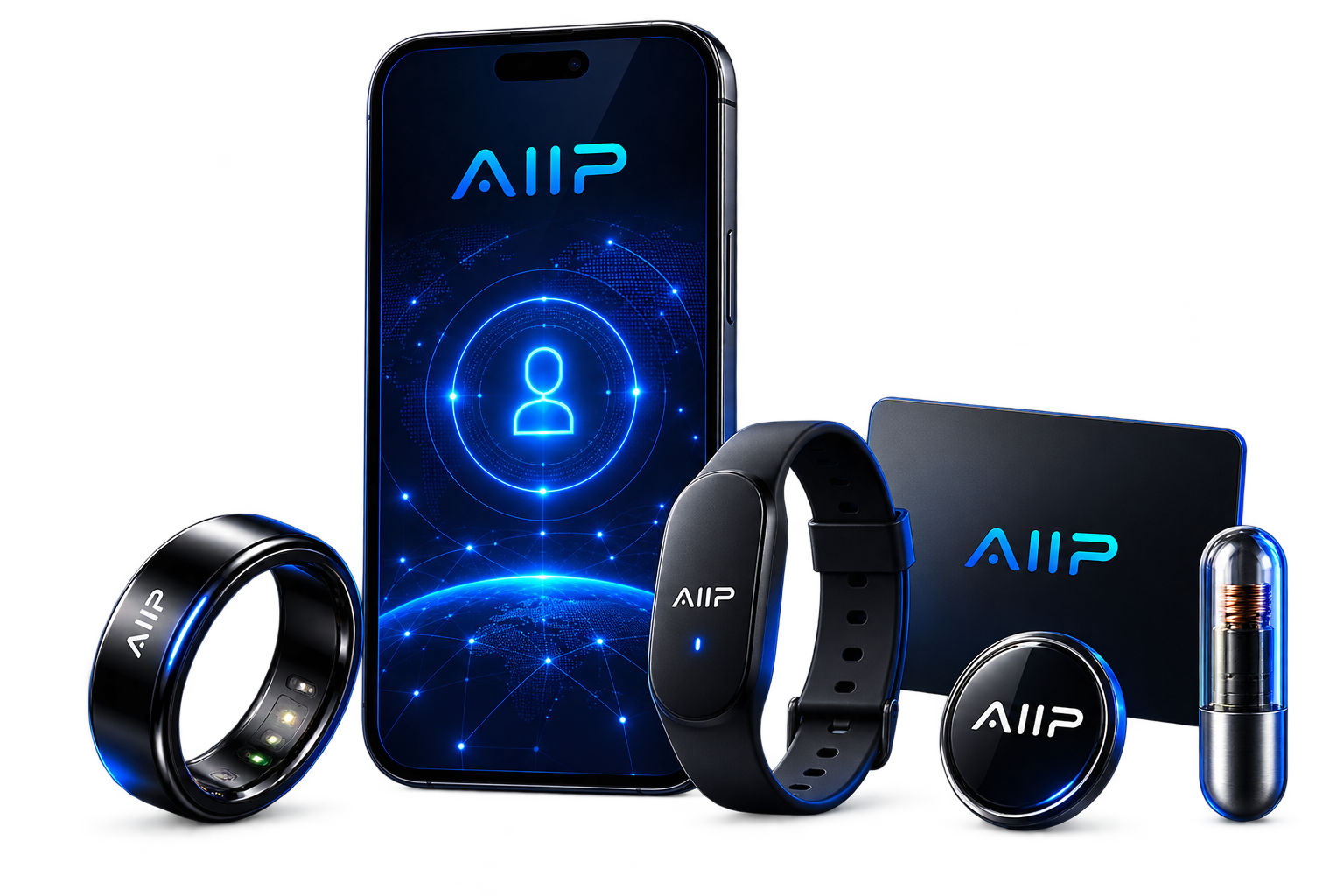
The Complete AIIP Journey
Eight steps take a user from creating an identity to establishing an intelligent AIIP connection.
Create Identity
Create your unique AIIP account and identity profile.
Add Device
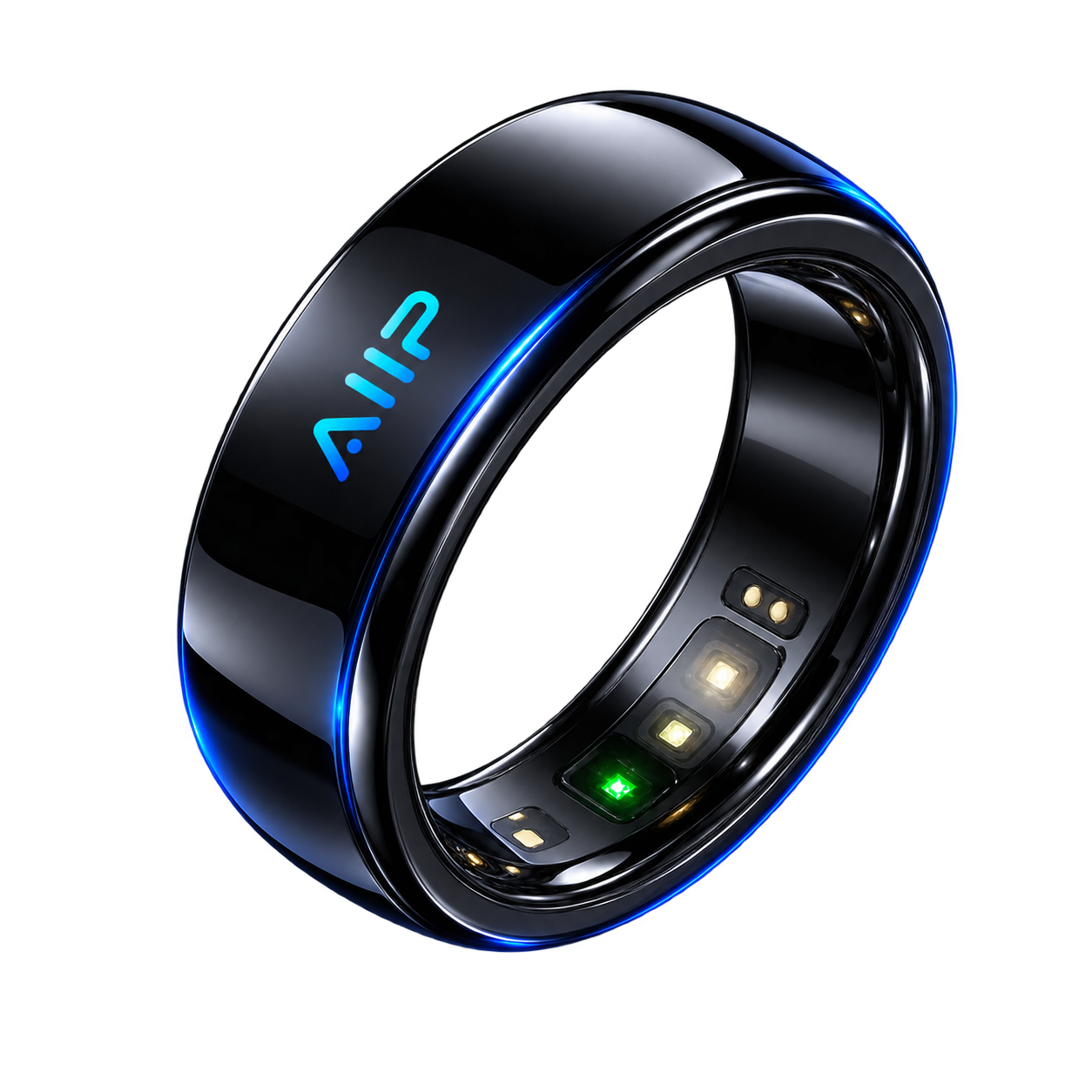
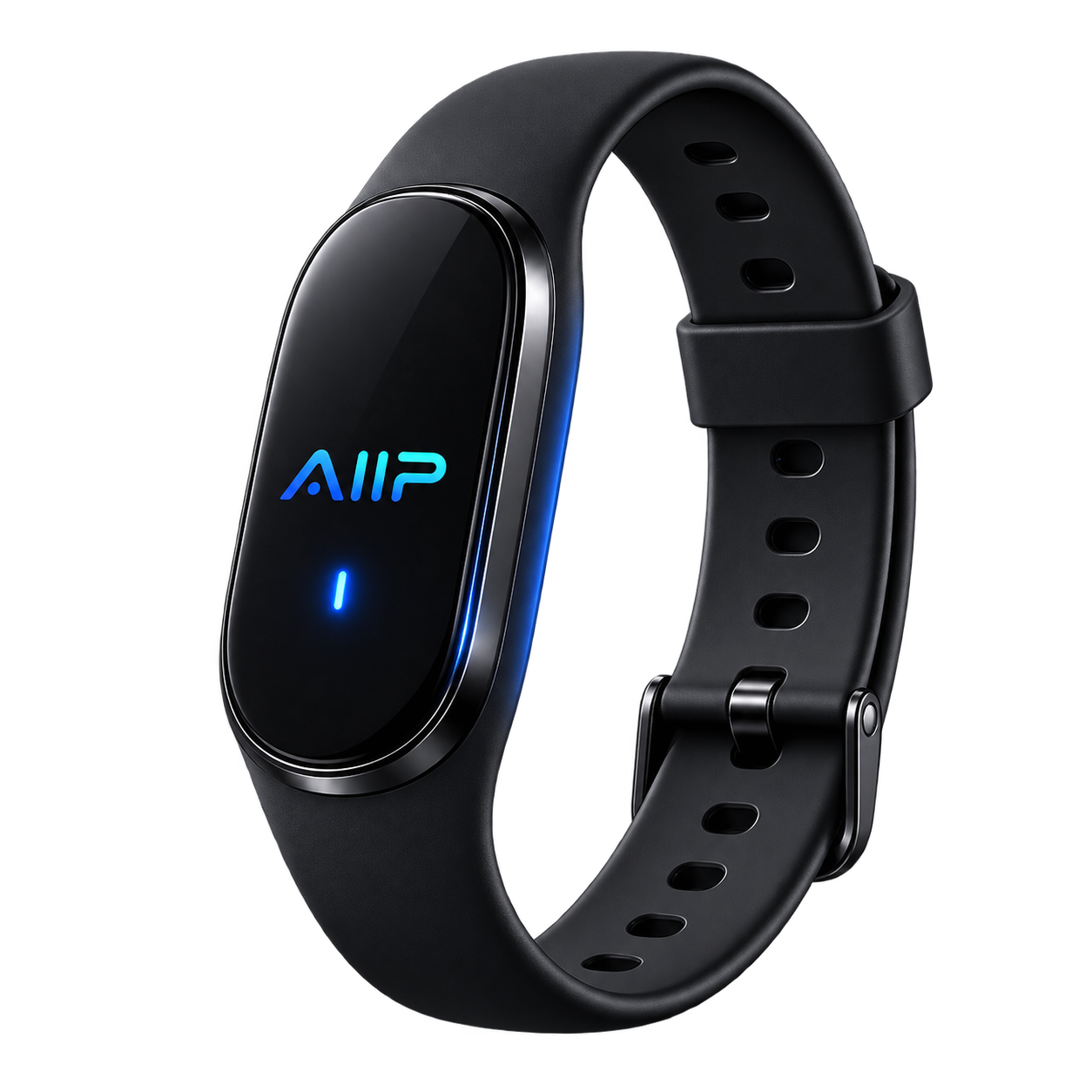
Choose a ring, bracelet, card, pin or another supported device.
Verify Device
AIIP confirms the device before linking it to your identity.
Set Permissions
Choose what each device is allowed to share.
Connect
Initiate a connection with another AIIP user or service.
Consent
Permission-controlled information is approved before sharing.
AI Introduction
AI can summarize approved context and possible opportunities.
Connection Saved
The relationship can be remembered for future interaction.

Create Your AIIP Identity
The journey begins with your AIIP Identity. The identity belongs to you and remains separate from the physical hardware you choose to use.

Add Your AIIP Device
Choose the hardware that suits your lifestyle. Multiple devices can eventually connect to the same identity.
Verify & Bind the Device
Before a device becomes part of your AIIP Identity, the platform should verify the device and confirm that it is authorized to be connected.
Choose What Each Device Can Share
Not every AIIP device needs the same permissions. A networking ring can be configured differently from an office-access device or another future credential.
The AIIP Smart Handshake
The long-term goal is to make meeting someone more intelligent than simply exchanging a business card.
Person A
Person A has an AIIP Identity and a connected device.
Identity Request
The devices initiate a deliberate identity connection.
Permission
Only authorized profile information is released.
AI Introduction
AI can create a concise introduction based on approved information.
What Could AIIP Tell You?
Instead of receiving only a name and telephone number, AIIP could eventually help both people understand why the connection may be useful. Only authorized information should be used.
Profile Summary
A short introduction explaining who the person is.
Common Interests
Identify relevant interests shared by both users.
Possible Collaboration
Suggest areas where the two people may work together.
Conversation Context
Provide relevant topics to make introductions easier.
Your Identity Continues Even If Your Device Changes
AIIP separates identity from hardware. You should be able to replace or disable devices without losing your AIIP Identity.
Add a New Device
Connect another supported AIIP device to your existing identity.
Disable a Lost Device
Revoke access from one physical device without deleting your AIIP account.
Change Permissions
Update what each connected device is allowed to do.
Example: Meeting Someone at a Business Event
A simple example of how the AIIP experience could evolve beyond the traditional business card.
You Meet
Two people begin a conversation at an event.
Initiate AIIP
A phone reads the other user's NFC device or a future supported connection is initiated.
Consent
Both users approve the information they want to exchange.
AI Understands
AI analyzes the approved professional and interest context.
Better Connection
Both users receive a useful introduction and possible reasons to continue the relationship.

The Device Is a Key — Not Your Entire Identity
AIIP should avoid storing sensitive personal data openly on a physical NFC ring, card or wearable. The device should primarily identify or authenticate the AIIP credential, while permissions and identity information remain managed by the platform.
This also makes it possible to revoke a lost device without losing the user's underlying identity.
One Identity. Multiple Devices. Unlimited Experiences.
AIIP is building a simpler way for people, devices and AI to understand each other.